
Bleed, trim and safe area, explained
Three lines on a print template, and what each one is telling you to do. Get these right and your artwork cuts clean every time.
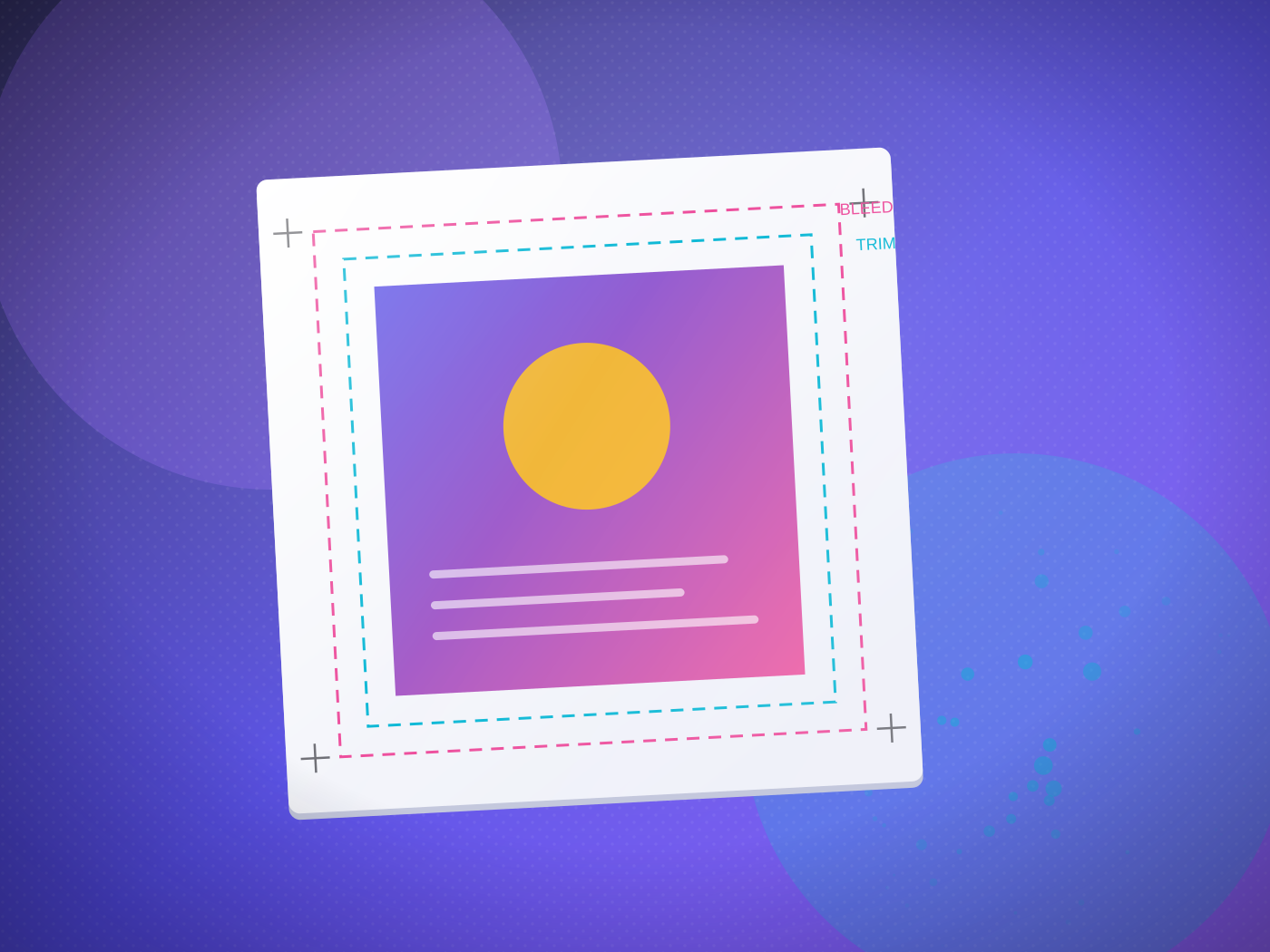
Open any of our print templates and you will see three lines. They are not decoration — each one is an instruction.
The trim line
This is the finished size — where the guillotine cuts. Your A5 flyer is 148 × 210mm at the trim line.
The bleed line
3mm outside the trim. Any background colour or image that reaches the edge must extend all the way to the bleed line, so a slight shift in the cut never exposes bare paper.
The safe area
3–5mm inside the trim. Keep text, logos and anything you cannot afford to lose inside this line, so nothing important ends up close to the cut.
Why it matters
Cutting is mechanical and moves by fractions of a millimetre across a stack. Bleed and safe area are how you make that movement invisible. Set them up once in your document and every job cuts clean.
Download our templates from the documents page — they have all three lines already in place.
Not sure what yours needs?
Bring it to any counter. Two minutes with a craftsperson beats any amount of reading — including us telling you it is not worth the money.